This project recreates the mood of a selected film scene as closely as possible, created strictly for educational purposes. Any third-party assets used, such as 3D models by other artists, are credited within the video.
Software used: Photoshop, Maya, Nuke
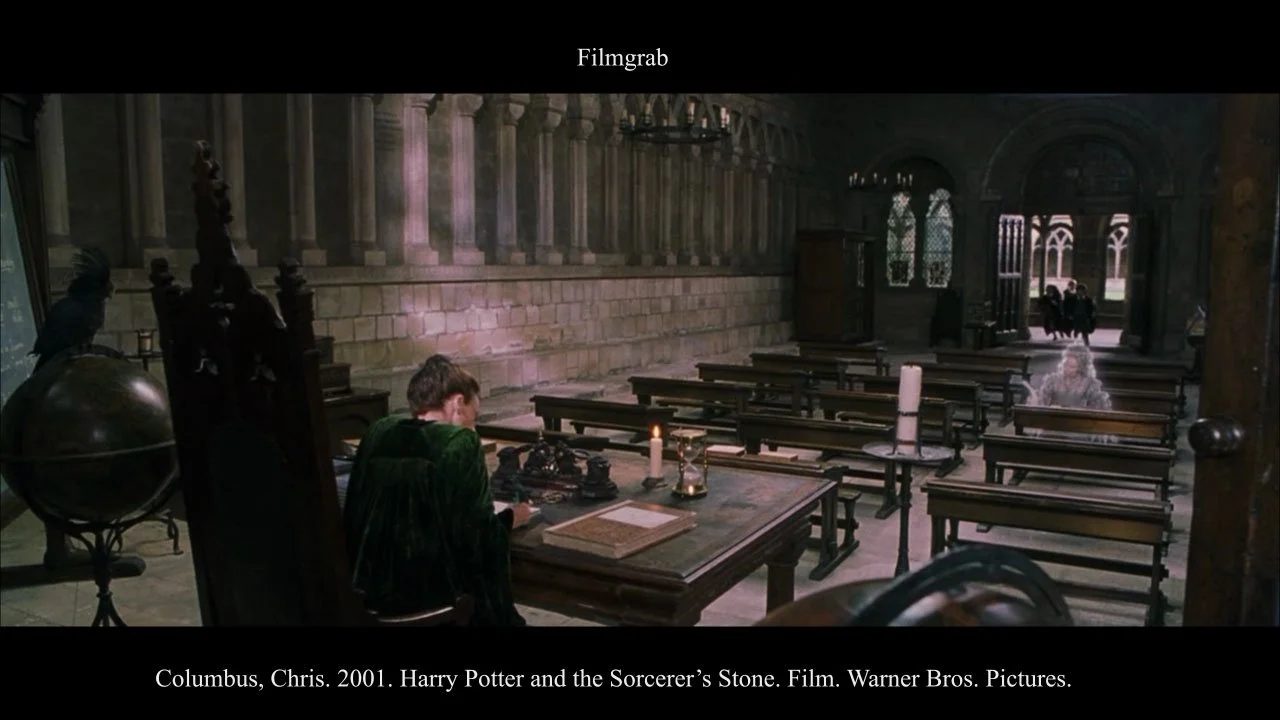
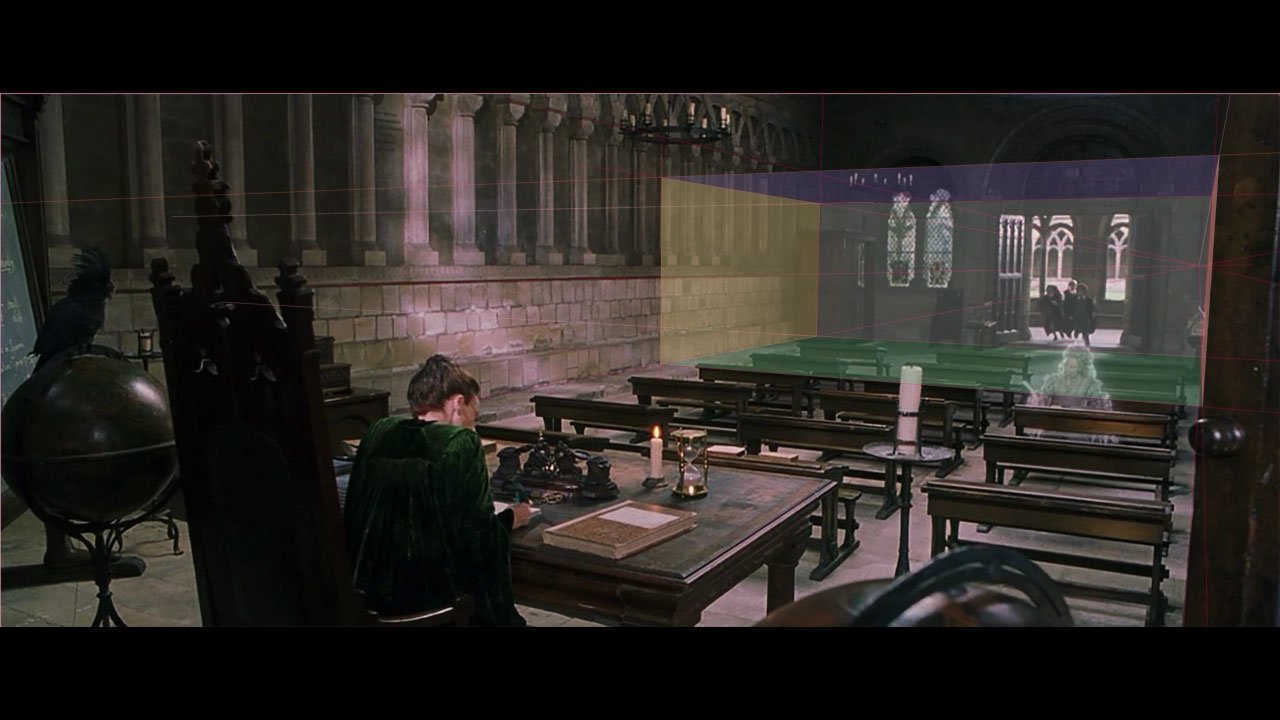
The perspective of the selected scene is first identified in Photoshop, then used as a reference to match the same camera angle in Maya.
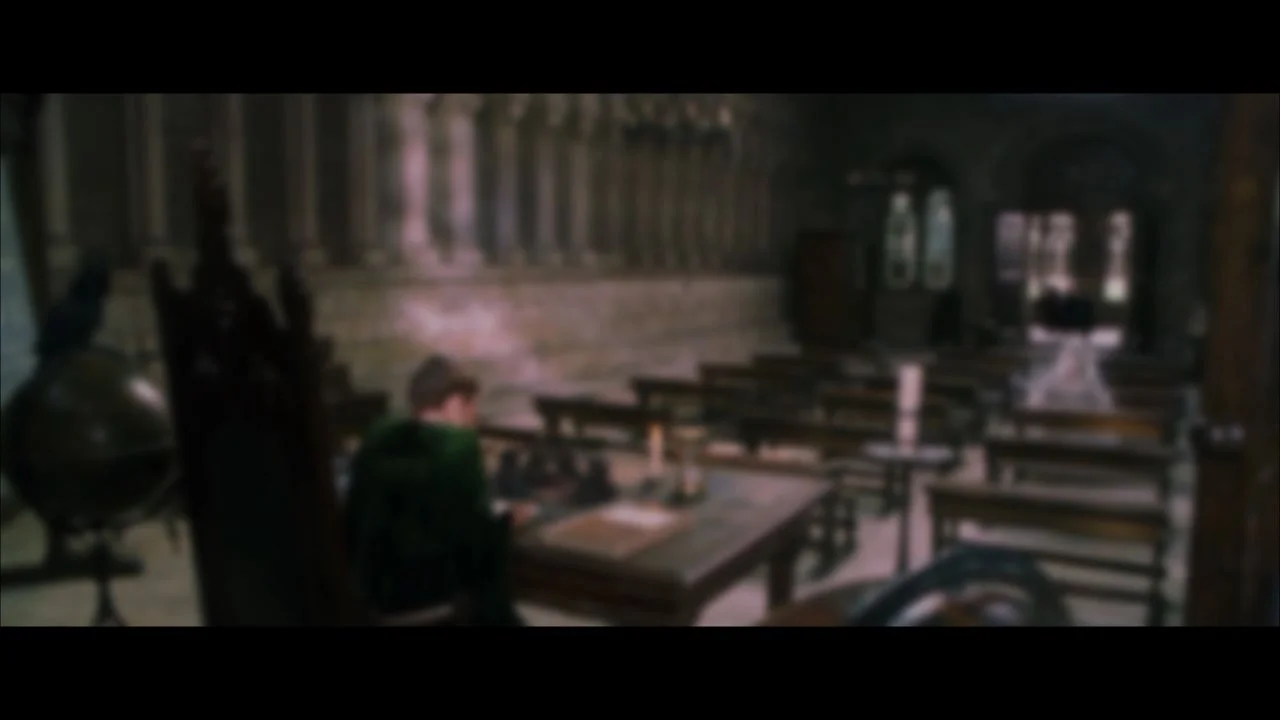
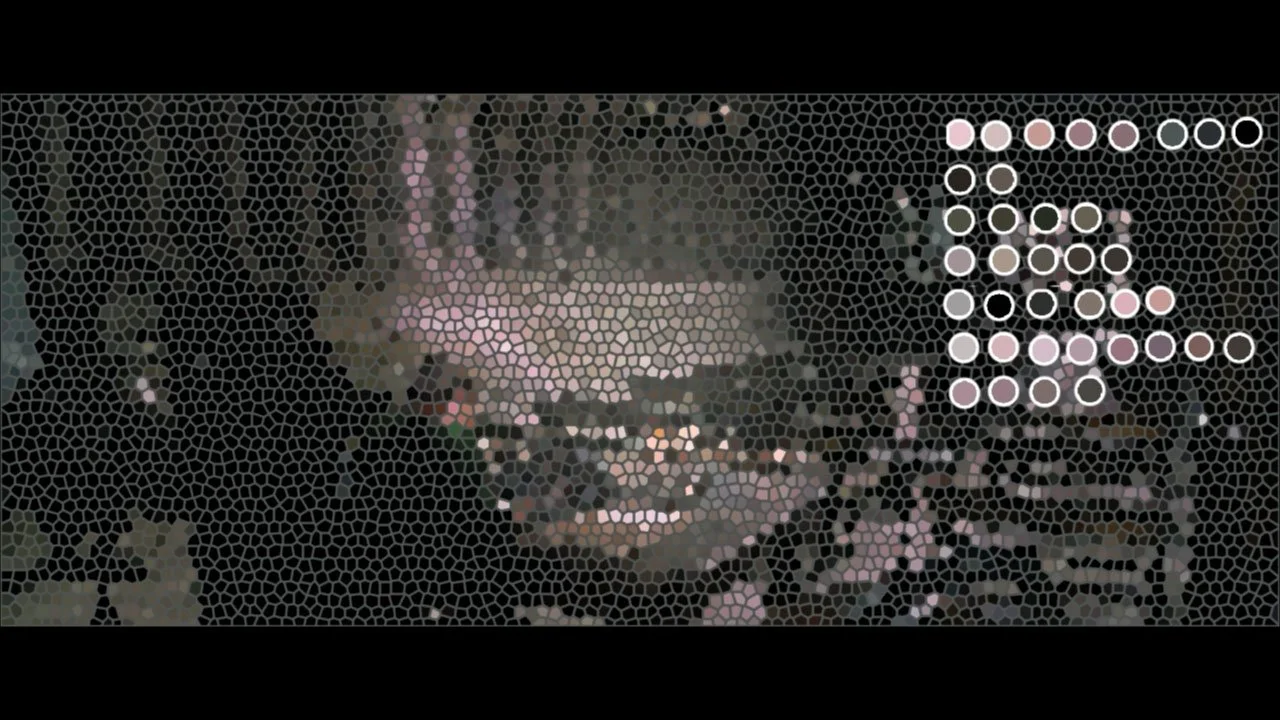
Colors are extracted in Photoshop, and blurring is applied to help capture the overall mood.
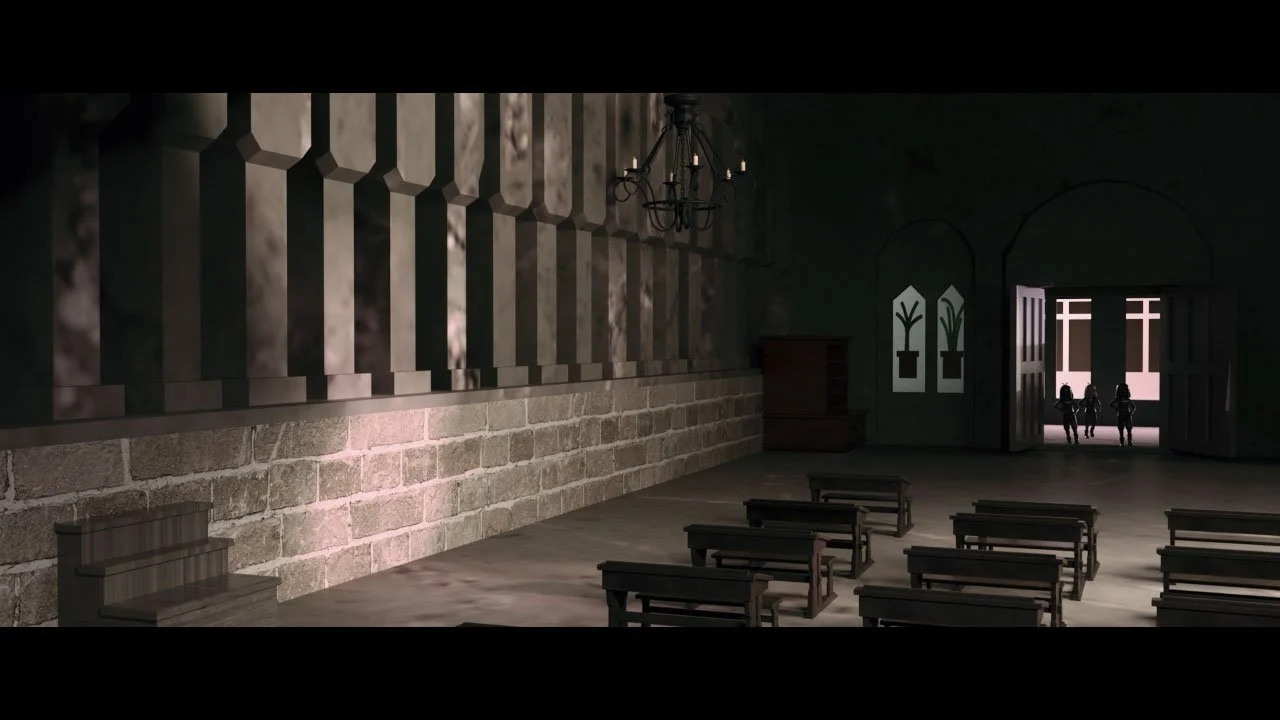
Furniture as close as possible to the original is sourced and placed; when a suitable match isn't available, it is modeled from scratch. The key light is set based on a light source identifiable in the original image. In this scene, a large highlight found on the globe to the left of Professor McGonagall is used as the reference point.
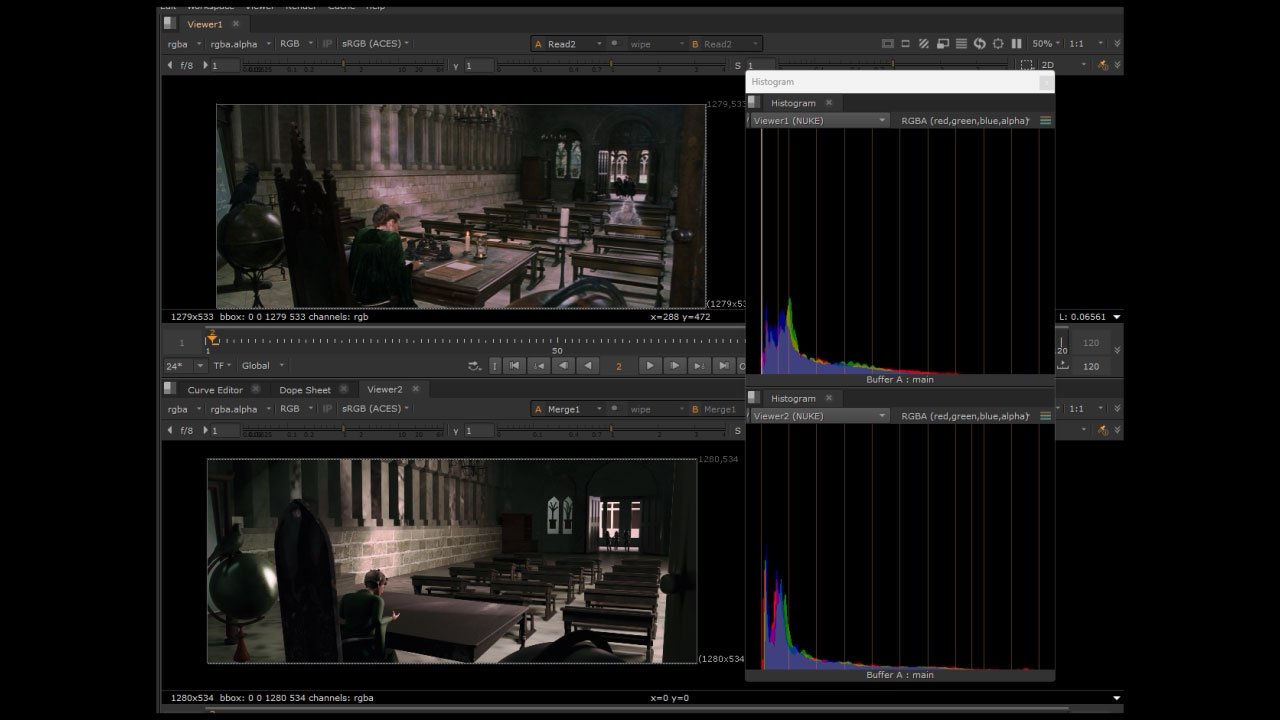
Once the overall tone is roughly matched, the scene is moved to Nuke for color adjustment. Going back and forth between Maya and Nuke as needed helps refine the result.
When adjusting the color in Nuke, a histogram was displayed to compare the two.
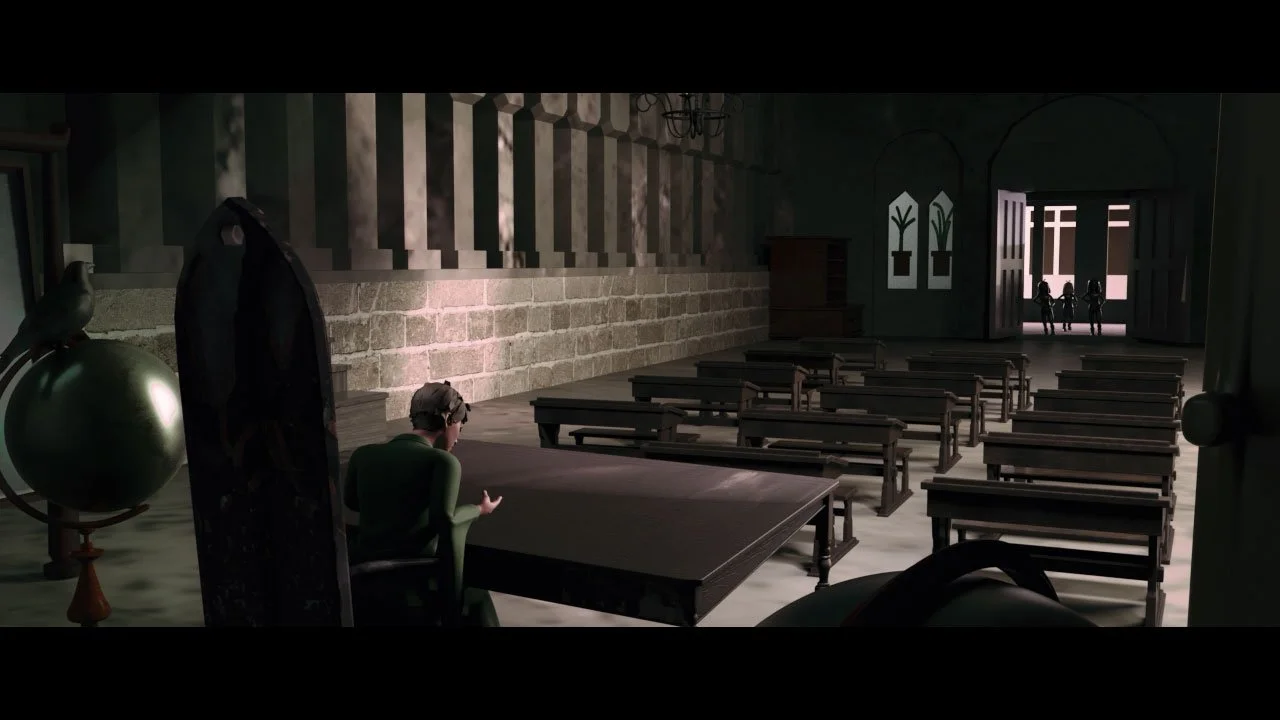
Afterwards, an experiment was conducted to recreate the same scene with a different mood.